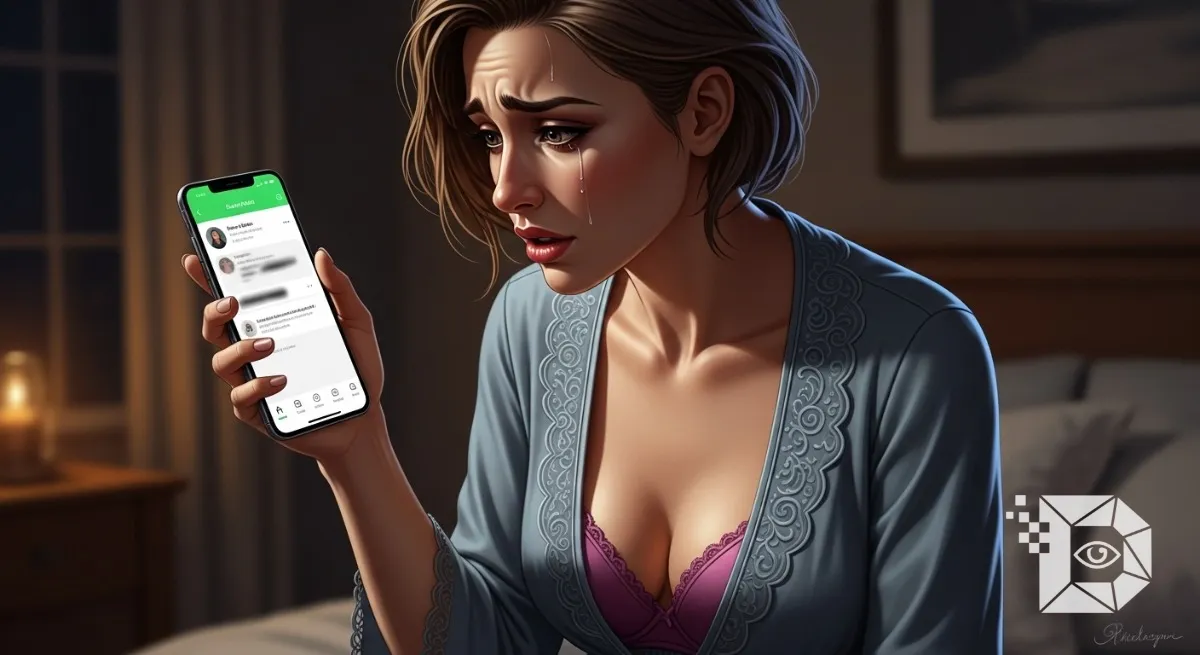
It is the modern version of driving past your ex’s house to see if the lights are on. You open WhatsApp. You tap on their name. The Profile Picture is gone (it’s just that grey silhouette now). The “Last Seen” timestamp? Vanished. You send a message. One grey tick. It stays one grey tick for hours. You know, deep down, what happened. You’ve been blocked.
But then, a thought creeps in. What about their Status? Maybe they forgot to block me there? Maybe I can still see those 24 hour updates? Or maybe there is a “glitch” or a “viewer app” that can let me peek behind the curtain without them knowing?
If you are currently frantically refreshing your Status tab hoping for a miracle, I am going to save you a lot of time and potential malware infections. Here is the brutal, technical truth about WhatsApp blocks, the myths that ruin your phone, and the only real way to see what you aren’t supposed to see.
The Short Answer: The Server Says No
Let’s rip the Band Aid off immediately. No. You cannot view the WhatsApp Status of someone who has blocked you.
It is not a “hidden” setting. It is a server side rejection. WhatsApp uses End to End Encryption (E2EE). When a user posts a Status, their phone sends that encrypted image to the WhatsApp server with a specific “distribution list.” That list is generated based on their privacy settings (usually “My Contacts”). If you are blocked, your phone number is effectively scrubbed from that list. When they hit “Post,” the server looks at you, sees the [BLOCKED] tag, and simply does not deliver the packet to your phone. It’s not that the Status is “invisible” on your screen; it’s that the data never even reached your device. You can’t “unhide” something that isn’t there.
The “Maybe I’m Not Blocked?” Check
Before you panic, are you sure you are blocked? Sometimes, people just change their privacy settings. If you can’t see their Status, but you can still see their Profile Picture or send them messages (double ticks), you aren’t blocked. You have just been “Excluded.”
WhatsApp allows users to hide their Status from specific people without blocking them entirely.
-
Setting: Status Privacy > My Contacts Except… If they checked your name on that list, you are in the “Soft Block” zone. You can still chat. You can still call. But you are banned from the Status updates. This is usually a sign that they are posting something they don’t want you to see (like a party you weren’t invited to), but they don’t hate you enough to cut ties completely.
The “Viewer App” Scam (Do Not Download These)
If you go to the Google Play Store or search online, you will find dozens of apps claiming:
-
“WhatsApp Tracker & Status Viewer”
-
“See Blocked Statuses 2026”
-
“Who Viewed My Profile?”
Stop. These are scams. All of them. I cannot stress this enough: There is no third party software that can bypass WhatsApp’s encryption. If an app claims it can show you the private Status of a blocked number, it is lying. Usually, these apps are designed to:
-
Steal your data: They ask for your contacts list and gallery access.
-
Bombard you with ads: You watch 30 videos, and then it shows you… nothing.
-
Install Spyware: You are handing a random developer the keys to your phone.
Do not let your curiosity wreck your digital security. If WhatsApp’s own engineers can’t break the encryption without a key, a random free app definitely can’t.
The Only Workaround: The “Burner” Account
If you absolutely must see the Status, and you don’t care about dignity, there is one technical loophole. But it only works if their privacy settings are loose.
Most people set their Status privacy to “My Contacts.” This means they must have your number saved in their phone for you to see it. If you block someone, you usually delete their number too. So, creating a new WhatsApp account with a fake number usually fails because they haven’t saved your new fake number.
However… If they have their privacy set to “Everyone” (which is rare, but happens with Business accounts), you can:
-
Get a second SIM card or a virtual number (using an app like TextNow).
-
Create a fresh WhatsApp account.
-
Save their number.
-
Check their Status.
If it appears, congrats. They have zero privacy settings. If it doesn’t appear (which is 99% likely), it means they are restricted to “Contacts Only,” and your spy mission is a failure.
The “Mutual Friend” (Social Engineering)
Let’s be honest. The only reliable way to see a blocked Status isn’t technical; it’s social. You need a snitch. If you have a mutual friend someone who isn’t blocked you have to ask them. “Hey, did [Name] post anything interesting today?” Ask for a screenshot. It’s messy. It’s awkward. It involves dragging a third person into your drama. But it is the only method that actually works. Just be warned: If your friend sends you a screenshot, and you confront the blocker about it, you are going to get your friend blocked too.
The “Block” feature on WhatsApp is the digital equivalent of a restraining order. It cuts the line. It burns the bridge. There is no “Inspect Element” hack. There is no “Cached View.” If you can’t see the Status, it’s because you aren’t supposed to. My advice? Don’t verify the block. Don’t chase the ghost. If the Profile Picture is gone and the messages aren’t delivering, take the hint. The only thing worse than being blocked is being the person who creates a fake number to verify that they were blocked. Keep your dignity. Put the phone down.