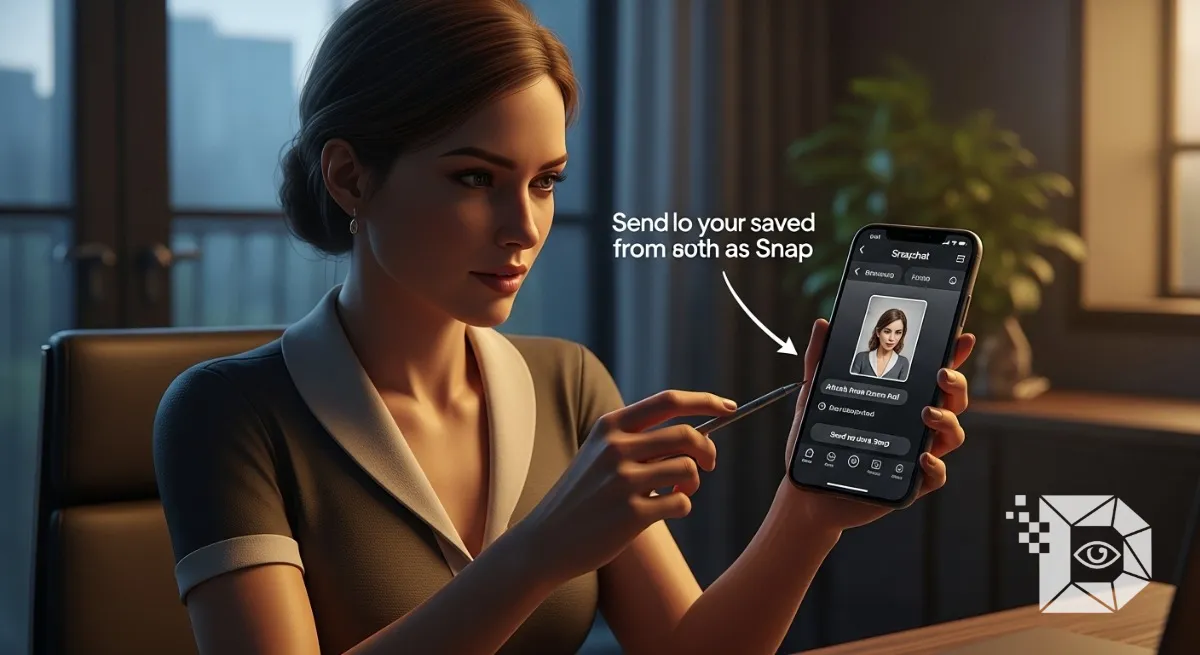
We all know the struggle. You want to send an old photo to a friend on Snapchat to keep your “Streak” alive, or just to show them a memory.
But if you send it from your Camera Roll normally, it appears as a Blue Bubble (a chat message). It doesn’t count for streaks, and it looks “low effort.”
You want it to look like a Red/Purple Snap one that fills the screen and disappears after viewing.
Most guides tell you to use third-party apps (which get you banned). Don’t do that. Here is the hidden feature inside Snapchat that lets you do it legally in 2026.
The Secret: Use the “Upload” Lens
Snapchat allows “Lenses” (Filters) to access your gallery. Creators have built lenses specifically to paste your photos onto the live camera screen.
Step 1: Open the Snapchat Camera Launch the app so you are looking at your own face. Tap the Smiley Face icon next to the record button to open the Lens Explorer.
Step 2: Search for “Camera Roll”
-
Tap the Search (Magnifying Glass) icon in the bottom right.
-
Type “Upload” or “Camera Roll”.
-
You will see lenses named “Upload Photo,” “Camera Roll Upload,” or “Green Screen.”
-
Recommendation: The lens simply called “Upload” by Aditya or similar creators usually works best.
-
Step 3: Select Your Photo Once you select the lens, a horizontal bar of your gallery photos will appear on the screen.
-
Tap the photo you want to send.
-
It will fill the screen (covering your camera feed).
-
You can pinch to zoom or resize it to fit perfectly.
Step 4: Snap and Send
-
Tap the main Circle Button to take the picture.
-
Add text or stickers if you want.
-
Hit Send To.
The Result: Your friend receives a Red “New Snap” notification.
-
✅ It counts for Streaks.
-
✅ It disappears after viewing.
-
✅ It looks exactly like a live photo.
Alternative: The “Green Screen” Method
If the “Upload” lens is glitchy, use the official Green Screen lens by Snapchat.
-
Select the “Green Screen” lens.
-
Pick your photo (it becomes the background).
-
Cover your phone camera (so the foreground is black) or point it at a wall.
-
Take the snap.
Summary Checklist
-
Don’t: Send directly from the “Memories” tab (Blue Chat).
-
Do: Use an “Upload” Lens to trick the camera (Red Snap).
-
Warning: Never give your Snapchat password to “Streak Saver” apps. They will steal your account.