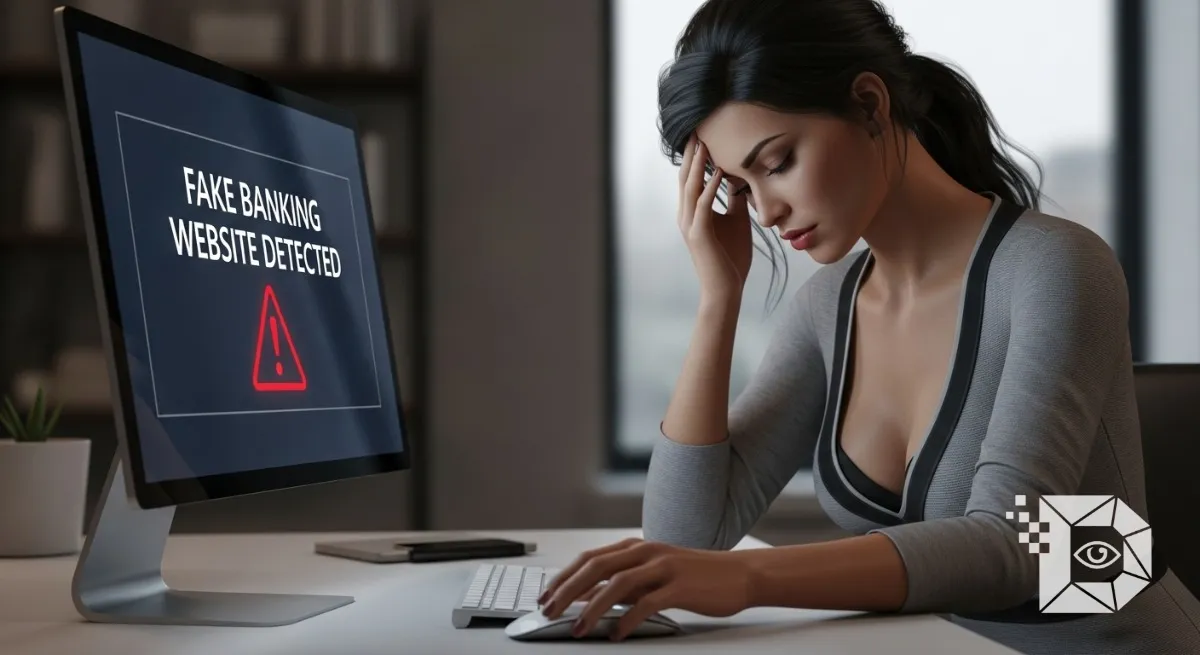
It usually happens on a Thursday evening. You are tired. You just want to pay a bill or check your balance. You type the name of your bank into Google. You click the first link that pops up. The website looks perfect. It has the logo. It has the same blue color scheme. It has the “Login” box right where it should be. You type in your username. You type in your password. The screen flickers. It asks for your 2FA code. You type that in too. And then… nothing. The page reloads. Or maybe it redirects you to the real home page. You think: “Huh, glitchy internet.” But it wasn’t a glitch. You just handed the keys to your financial life to a teenager in a basement halfway across the world.
Phishing isn’t what it used to be. It’s not just poorly spelled emails from “Princes” anymore. Today, scammers build pixel perfect replicas of Chase, HSBC, and CommBank. They are so good that even tech experts get fooled. If you want to keep your money safe in 2026, you need to stop trusting your eyes and start trusting your habits. Here is how to spot the fake before it’s too late.
1. The “Sponsored Ad” Trap (The #1 Threat)
This is how most people get caught today. When you search for “Wells Fargo login” or “Barclays online banking” on Google or Bing, the very first result is often an Ad. It says “Sponsored” in tiny letters. Scammers buy these ad slots. They bid on keywords like “Bank Login.” For a few hours before Google catches them their fake website sits at the very top of the search results, above the real bank.
The Fix: Never, ever click the “Sponsored” link for a bank. Scroll down. Look for the “organic” result. Better yet, stop searching for your bank every time. Type the URL manually (e.g., chase.com) or bookmark it. If you rely on search engines to find your bank, you are playing Russian Roulette with the algorithm.
2. The URL “Homograph” Trick
You look at the address bar. It says citibank.com. So it’s safe, right? Look closer. Is that an i? or is it an l? Is that an m? or is it an rn (r + n)? Scammers use “Homograph Attacks.” They buy domain names that look visually identical to the real thing using different fonts or foreign characters.
-
bofa.comvsb0fa.com(Zero instead of O). -
paypal.comvspaypaI.com(Capital i instead of L).
The Fix: Don’t just glance at the URL; read it like a spell checker. If the URL is incredibly long and filled with random junk (e.g., secure-login-chase-update-24.com), close the tab immediately. Real banks keep their URLs short and clean.
3. The “Padlock” Myth
For years, we were told: “Look for the green padlock icon. If it has a lock, it’s safe.” This advice is dead. The padlock simply means the connection is encrypted. It means that nobody can read the data traveling between you and the website. But it does not tell you who owns the website. Scammers can get a free SSL certificate (the padlock) in 5 minutes. So now you have a secure, encrypted connection… directly to the scammer. Do not trust the lock. It implies privacy, not legitimacy.
4. The “Greedy” Login Page
This is the biggest behavioral tell. Think about your normal login process. Usually, you enter your Username and Password. Then, on a second screen, it might ask for a 2FA code. Fake websites are impatient. They want everything now.
If you land on a login page and it asks for:
-
Username
-
Password
-
ATM Pin
-
Mother’s Maiden Name
-
Social Security Number (or National Insurance Number) …all on the same page? Run. Real banks never ask for your full profile just to log in. They ask for the bare minimum. If the site feels “greedy” for data, it’s because the scammer is trying to harvest as much as possible before you realize something is wrong.
5. The “App” Safety Net
This is the simplest solution for mobile users. It is incredibly hard to fake a mobile app store listing. If you use the official app (from the Apple App Store or Google Play Store), you are almost certainly safe. The app communicates directly with the bank’s servers. It cannot be redirected to a phishing site via a Google Ad. If you are on your phone, don’t use the browser. Use the App. It’s a walled garden, but the walls are there to protect you.
6. What to Do If You Clicked
So, you messed up. You typed your password into the fake site. You realized it 10 seconds later because the page didn’t load your balance. Don’t panic. Act fast.
-
Change your Password immediately: Go to the real site (type it in carefully) or call the bank to reset it.
-
Call the Fraud Line: Tell them, “I believe I just entered my credentials into a phishing site.” They will lock your account to prevent outbound transfers.
-
Check your 2FA: If the scammer got your password and your 2FA code, they might have added a “new payee” or changed your email address. Ask the bank to verify no account details were altered in the last hour.
The internet is a minefield, and banks are the biggest targets. The scammers rely on you being in a rush. They rely on “muscle memory” you see blue, you type password. Slow down. Check the URL. Ignore the ads. And when in doubt, pull out your credit card and look at the back. The official website is usually printed right there in tiny text. Type that in. It’s the only link you can trust 100%.