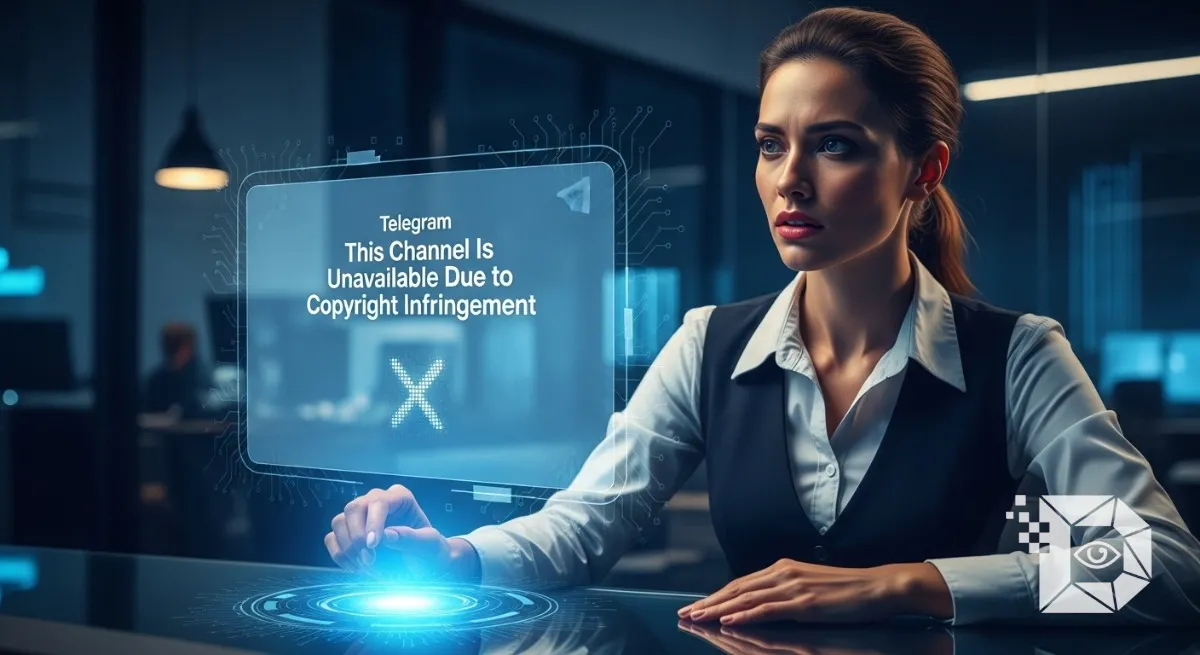
Telegram has become a global hub for information, entertainment, community discussions, and content-sharing. But as the platform grows, so does the number of copyright-related crackdowns. Suddenly opening a channel you follow only to see the warning “This channel is unavailable due to copyright infringement” can be frustrating and confusing.
Whether you’re a channel owner, a subscriber, or someone who simply wants to access blocked content, this guide breaks down everything you need to know: what the error means, why it happens, and how to fix or bypass it legally.
Written in a simple, journalistic tone, this article takes you behind the scenes of Telegram’s copyright enforcement and provides actionable solutions.
What Does “This Channel Is Unavailable Due to Copyright Infringement” Mean?
This specific Telegram error message appears when the platform flags a channel for violating copyright laws. It usually indicates that:
-
The channel shared copyrighted movies, music, apps, software, or premium content without permission.
-
A copyright owner or organization filed a complaint.
-
Telegram’s automated or manual review team restricted access.
According to Telegram’s Terms of Service, channels involved in piracy may be blocked region-wise or globally, depending on the complaint’s severity.
Why Telegram Blocks a Channel for Copyright Reasons
Telegram takes copyright enforcement seriously, especially after increased global pressure from legal authorities, entertainment industries, and regulatory bodies. Here are the most common reasons:
1. Sharing Pirated Movies or TV Shows
Leaking paid content (Netflix, Hotstar, Amazon Prime, etc.) is the number one reason.
2. Posting Paid Courses or E-books
Ed-tech platforms and authors frequently submit copyright claims.
3. Distributing Cracked Apps, Mods, or APKs
Any app distributed without the developer’s permission is treated as a copyright breach.
4. Uploading Premium Telegram Content
Telegram recently introduced paid features. Sharing them unofficially is a violation.
5. Government-level Takedown Requests
Countries like India, Russia, and EU nations sometimes request blocking of entire channels.
How to Fix “This Channel Is Unavailable Due to Copyright Infringement” on Telegram
How you fix it depends on whether you’re a viewer trying to access the channel or the owner/admin of the blocked channel.
Fix for Telegram VIEWERS (Subscribers)
1. Use a Reliable VPN (Most Effective Method)
Some channels are only blocked region-wise, not worldwide.
Steps:
-
Download a VPN (ProtonVPN, NordVPN, Surfshark, or any trusted one).
-
Connect to a country like Singapore, Switzerland, or the U.S.
-
Reopen Telegram and try accessing the channel.
2. Try Telegram Web Instead of the App
Sometimes the mobile app blocks content while the web version remains accessible.
Visit: web.telegram.org
3. Check Mirror or Backup Channels
Most blocked channels create alternative links such as:
-
ChannelName_Backup
-
ChannelName2
-
OfficialMirror
-
RELOADEDChannel
Search for the channel name in Telegram’s search bar.
4. Ask Admins for an Updated Invite Link
If you’re part of a related group or chat, request the latest join link.
5. Avoid Using Third-Party “Unblocker” Apps
These apps are risky, often malware-filled, and violate privacy.
Fix for Telegram CHANNEL OWNERS / ADMINS
If your channel was removed due to copyright infringement, here’s what you can do:
1. Remove All Copyrighted Content
Delete:
-
Movies, series, songs, apps
-
Copyrighted PDFs, paid courses
-
Anything that caused the strike
Telegram may restore access after a content cleanup.
2. File a Counter-Notification
If you believe the takedown is wrong or a false complaint:
Email Telegram at: [email protected]
Include:
-
Channel username
-
Link
-
Your appeal
-
Reason why the content is not infringing (e.g., original content, fair use, licensed)
3. Rebrand the Channel
Sometimes restoring the same channel is difficult. Create a new channel with:
-
A new username
-
Clean, original content
-
Clear content guidelines
4. Host Content Legally
For example:
-
Upload your own work
-
Use royalty-free content
-
Provide links to official sources
5. Use Telegram’s Official Copyright Tools
Telegram offers reporting & appeal tools inside the app for transparency.
Is It Safe to Bypass Copyright Blocks on Telegram?
Technically, accessing restricted channels using a VPN is not illegal for personal use.
However:
-
Downloading or sharing copyrighted content is risky.
-
Some countries impose fines for piracy.
-
Be cautious with channels that regularly post illegal content.
How Long Does a Telegram Copyright Block Last?
-
Temporary Blocks: A few days to weeks
-
Permanent Bans: If the channel repeatedly violates copyright rules
-
Region Blocks: Indefinite, depending on legal requests
Telegram rarely restores channels with multiple copyright strikes.
FAQs
1. Can I unblock a Telegram channel without a VPN?
Yes. Try Telegram Web, mirror channels, or private invite links.
2. Why is the channel visible to others but not me?
Your region may have restrictions due to legal complaints.
3. Will clearing cache fix the error?
No. This is a server-level restriction.
4. Can a private channel also face copyright blocks?
Yes. Telegram can block private channels too if they share illegal content.
5. What if the channel is important, like notes or study material?
Contact the admin for a new link or ask them to reupload content legally.
Conclusion
The “This channel is unavailable due to copyright infringement” message on Telegram is a growing issue as platforms tighten their copyright laws. The good news is that most cases can be fixed either by using a VPN, finding backup channels, or appealing as a channel owner.
If this guide helped you, share it with others, leave a comment, and bookmark it for future reference.


