
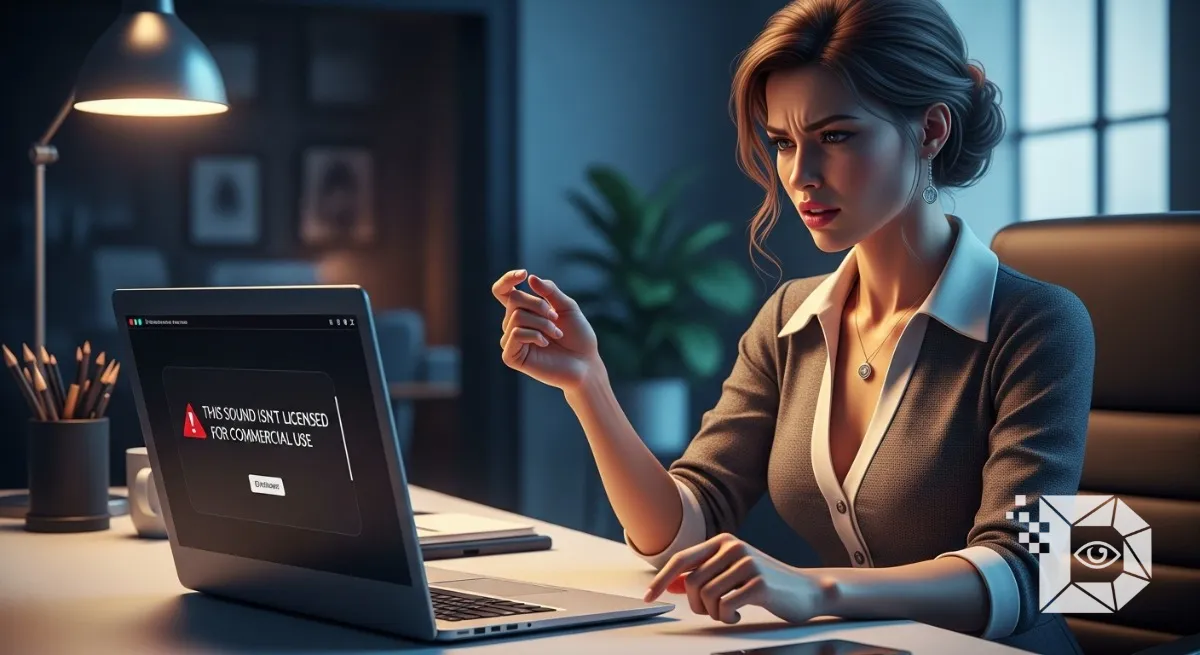
You spend hours filming. You get the lighting perfect. You nail the transition. You spend another twenty minutes syncing the clips to that trending song everyone is using. You hit “Post,” expecting the views to roll in. But instead of a viral hit, you get a notification. The video is up, but it is silent. A gray banner at the bottom reads: “This sound isn’t licensed for commercial use.”
It is the most frustrating error message on the platform. It feels arbitrary why can 15 year olds in their bedrooms use this Drake song, but you can’t? Why is your “For You” page full of people dancing to this track, while your video gets muted the second it touches the server?
Whether you are a small creator trying to build a brand or just someone who accidentally flipped the wrong switch in their settings, this isn’t a glitch. It is a legal firewall. And if you are in North America, Europe, or Oceania, where copyright laws are aggressively enforced, TikTok’s automated systems are working overtime to protect the company from getting sued by major record labels.
Here is why your account has been silenced and the three ways you can get the music back.
The “Why”: You Are a Business (According to TikTok)
The root of the problem is simple: Account Type. TikTok has two massive libraries of audio:
-
The General Library: This contains the latest hits Taylor Swift, Kendrick Lamar, the viral sounds you hear everywhere. These are licensed for Personal Use only.
-
The Commercial Music Library (CML): This contains royalty free stock music. It is safe for ads, but let’s be honest it is usually boring, generic elevator music.
If your account is set to “Business Account,” TikTok legally cannot let you use the General Library. The record labels (Universal, Sony, Warner) have signed deals with TikTok that allow regular users to dance to their songs for free. But those deals do not cover businesses. If a shoe brand uses a hit song to sell sneakers without paying for a sync license, that is copyright infringement. To prevent lawsuits, TikTok automatically locks all Business Accounts into the “Commercial Library” jail. If you try to use a trending song, the app checks your status, sees “Business,” and mutes the audio to protect itself.
Fix 1: The “Switch Back” (The Easiest Solution)
If you are a regular person, an influencer, or just a small creator who doesn’t run a Fortune 500 company, you are likely on a Business Account by mistake. Maybe you switched because you wanted the “Analytics” or the “Link in Bio.” But if you want the music back, you have to downgrade.
The Workflow:
-
Go to your Profile.
-
Tap the three lines (Menu) in the top right.
-
Tap Settings and privacy.
-
Tap Account (sometimes labeled Manage Account).
-
Tap “Switch to Personal Account” (or “Switch to Creator Account”).
The Warning: Before you do this, know what you are losing.
-
Link in Bio: On a Business Account, you get a link immediately. On a Personal Account, you usually need 1,000 followers to get a clickable link. If you are under 1k and rely on that link, this is a tough choice.
-
Analytics: You might lose some historical data on your video performance. However, the moment you switch to “Personal,” the padlock on the music library unlocks. You can instantly use every trending song on the platform.
Fix 2: The “CapCut” Loophole (The Risky Way)
What if you must keep your Business Account (for the link or the email button), but you still want to use the cool music? You have to bypass TikTok’s internal editor. The error message only triggers if you add the sound inside the TikTok app. If you bake the music into the video file before you upload it, you can sometimes slip past the filter.
The Workflow:
-
Find the trending song you want on YouTube or Spotify.
-
Screen record it to get the audio.
-
Open an external editing app like CapCut, InShot, or Premiere Rush.
-
Import your video clips and the audio recording.
-
Edit the video so the music is part of the file.
-
Export it as a single MP4 video.
-
Upload to TikTok.
-
When TikTok asks to add a sound, tap “Original Sound” (or just leave it as is).
The Danger: This works 90% of the time, but it is technically risky. You are still using copyrighted music for commercial purposes. TikTok’s automated Content ID system might catch you later.
-
Best Case: The video stays up.
-
Middle Case: The video gets muted retroactively a week later.
-
Worst Case: You get a copyright strike. If you are a major brand with a verified badge, do not do this. You will get sued. If you are a small creator or a local coffee shop, you might fly under the radar, but you are playing with fire.
Fix 3: The “Remix” Strategy (The Safe Middle Ground)
If you can’t switch to Personal and you are too scared to use the loophole, you have to get creative with the Commercial Library. Most people think the Commercial Library is just boring stock music, but it actually hides some gems. TikTok often partners with lesser known artists to put “viral sounding” tracks in there to help businesses.
How to find good tracks:
-
When adding a sound, tap the magnifying glass.
-
Look for the dropdown that says “Commercial Sounds.”
-
Don’t just scroll the list. Search for “Viral” or “Trend.”
-
Look for “Remixes.” Often, you can’t use the original pop song, but you can use a generic “Speed Up” remix or a cover version that has been cleared for commercial use. It won’t be the original Drake track, but it might be close enough to fit the vibe of your video without triggering the silence.
The “Not Licensed” error is TikTok trying to save you from a lawsuit. If you are just a creator trying to go viral, switch to a Personal Account. It is the only way to get the full experience of the app. If you are a business selling a product, you have to accept that trending music is not free real estate. You either pay for a license, use the boring stock music, or take the risk of the “Original Sound” loophole. But whatever you do, don’t keep uploading and hoping it will “just work” this time. The algorithm doesn’t make exceptions.







