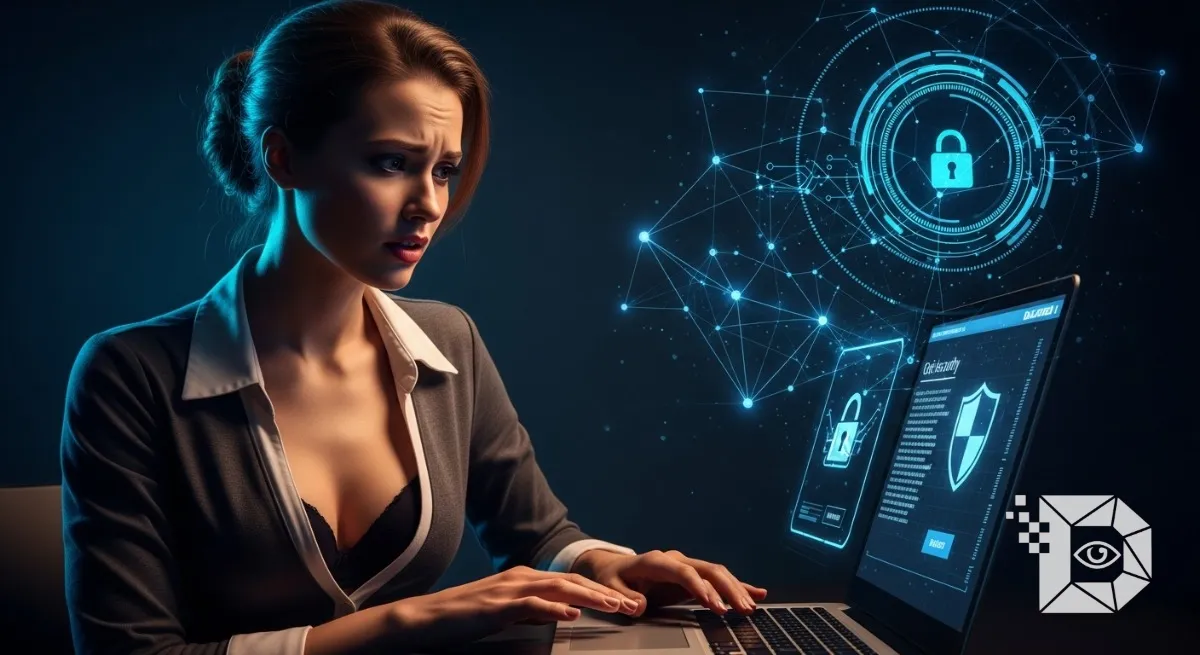
We tend to think of our bank accounts as the most valuable things we own online. We obsess over our banking passwords, we check our balances, and we panic if we see a weird transaction. But in reality, your bank account is not the primary target. Your email address is.
Think about it. If a hacker gets into your bank account, they might steal some money before the fraud detection algorithm freezes the card. It’s a hassle, but it’s fixable. But if a hacker gets into your email? They own you. Your email is the “Forgot Password” destination for every other service you use. With access to your inbox, they can reset your Facebook password, drain your PayPal, steal your iCloud photos, and lock you out of your digital life permanently. They don’t need to crack your bank password; they just need to click “Reset” and wait for the email to land in the inbox they now control.
In 2026, your email address is your digital passport. Losing it is a catastrophe. Whether you are using Gmail, Outlook, or Proton, the threats are evolving. The days of “Nigerian Prince” scams are over; today’s attacks are automated, sophisticated, and terrifyingly fast. Here is the comprehensive guide to fortifying your inbox against the modern wave of cybercrime.
1. The Death of the “Complex” Password (And the Rise of Length)
For years, IT departments told us to make passwords like P@ssw0rd1!. They demanded a capital letter, a number, and a symbol. It turns out, this was bad advice. Computers are incredibly good at guessing “complex” short passwords. A standard 8-character password with symbols can be cracked by a modern GPU rig in minutes.
The New Standard: Passphrases Security experts in the US and Europe have shifted to “Passphrases.” Length is mathematically more secure than complexity. A 20-character password made of random words is effectively uncrackable by brute force.
-
Bad:
Tr0ub4dor&3(Hard for you to remember, easy for a computer to guess). -
Good:
correct-horse-battery-staple-pizza(Easy for you to remember, impossible for a computer to guess). Your goal is 16+ characters. String four random words together. It’s easier to type and infinitely safer.
2. The “Credential Stuffing” Defense
The biggest threat to your email isn’t someone hacking you; it’s someone hacking a website you used five years ago. Hackers buy databases of leaked passwords from old breaches (like the MySpace or LinkedIn hacks). They then use bots to try those email/password combinations on Gmail, Outlook, and Amazon. This is called “Credential Stuffing.”
If you use the same password for your email that you used for a random forum in 2018, you are vulnerable. The Fix: You must use a Password Manager. Tools like Bitwarden, 1Password, or the built-in managers in Apple/Google are mandatory in 2026. They generate unique, 40-character garbage passwords for every site. This ensures that if one site gets hacked, your email remains untouched.
3. Two-Factor Authentication (The Non-Negotiable)
We have talked about this before, but for email, it is critical. You must enable 2FA. But you need to be careful about which 2FA you use. In regions like Australia and the US, “SIM Swapping” is a rampant crime. Hackers bribe mobile carrier employees to port your phone number to their SIM card. If your email 2FA is set to “SMS Text Message,” they get the code, and they are in.
The Upgrade: Switch your email security to an Authenticator App (Google Auth, Authy, Raivo) or, for the ultimate protection, a Hardware Key (YubiKey). If you use a YubiKey, a hacker in Russia or Brazil literally cannot log into your email unless they fly to your house and steal the physical USB stick from your keychain. For your primary email account, a hardware key is the best $50 investment you will ever make.
4. The “Alias” Strategy (Cloaking Your Identity)
If you want to be virtually unhackable, stop giving out your real email address. Services like SimpleLogin, AnonAddy, and Apple’s “Hide My Email” allow you to create “burner” addresses that forward to your main inbox.
How it works:
-
When you sign up for a newsletter or a sketchy Wi-Fi portal, you generate an alias:
[email protected]. -
If that newsletter database gets hacked, the hackers only get the alias.
-
You can simply delete the alias, cutting off the spam and the security risk, while your real email address (
[email protected]) remains a secret, known only to your bank and your family. In the GDPR-conscious landscape of Europe, this “email masking” is becoming the standard way to browse the web.
5. The “Zero Trust” Client Rule
How do you access your email? If you are logging into your email on a public computer, a library, or a hotel business center, stop immediately. “Keyloggers” software that records every button you press are common on public machines. The Rule: Only access your primary email on devices you own and control. If you absolutely must check email on a strange computer, use “Guest Mode” or “Incognito,” and immediately change your password when you get back to your own device.
6. Phishing: The “Urgency” Trigger
Technical controls can’t stop you from clicking a bad link. Modern phishing is terrifyingly good. You will receive emails that look exactly like an official notice from Google, Microsoft, or Apple. They will always use Urgency.
-
“Your account will be deleted in 24 hours.”
-
“Unauthorized login attempt detected.”
-
“Payment failed.”
They want you to panic. They want you to click the button without thinking. The Pause: whenever you get an email that makes your heart rate spike, freeze. Look at the “From” address. Is it [email protected] or [email protected]? Never click the link in the email. Close the email, open a new tab, and type in google.com or apple.com manually. If there is a real issue, the notification will be there in your account settings.
7. The “Recovery” Backdoor
Finally, check your “Recovery Email.” If you lock down your main Gmail with a YubiKey and a 50-character password, but your “Recovery Email” is an old Yahoo account protected by the password password123, you have left the back door open. Hackers will simply hack the weak Yahoo account, hit “Forgot Password” on your Gmail, and send the reset link to the Yahoo account. Secure your backup accounts with the same rigor as your primary one.
Your email is the digital version of your house keys. You wouldn’t give a copy of your house keys to every shopkeeper you meet, and you wouldn’t leave them under the doormat. Treat your inbox with the same respect. Get a password manager. Stop using SMS 2FA. Start using aliases. It takes an afternoon to set up, but the peace of mind is worth more than any antivirus software you can buy.