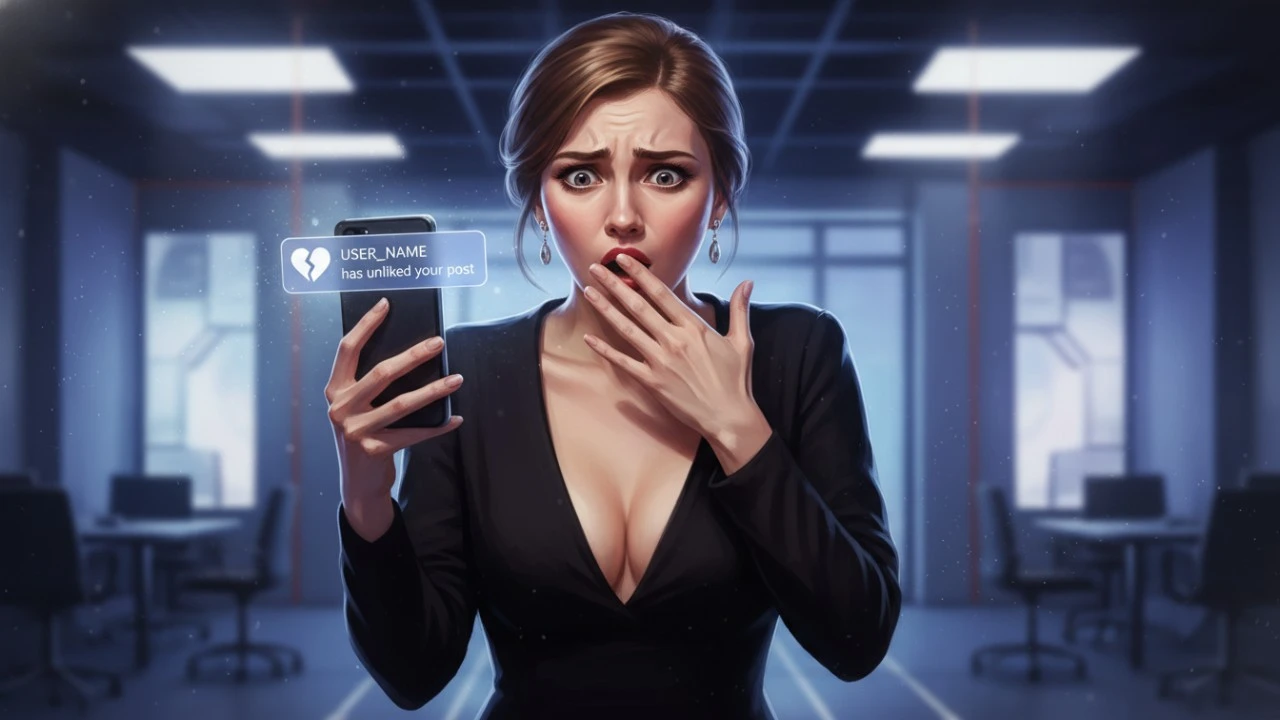
We have all experienced this exact flavor of digital terror.
You are doing a little late night investigating. Maybe you are scrolling through a new coworker’s profile, checking in on an ex, or looking at the page of someone you just started dating. You are scrolling deep into their grid, looking at photos from four years ago.
Your thumb slips. You accidentally double tap the screen. The massive white heart animation pops up, completely betraying you.
Your heart rate instantly spikes. You smash the heart icon again to immediately remove the like, close the app, and throw your phone across the room. You caught it in less than a second, but the paranoia immediately sets in. You are absolutely terrified that they just got a notification exposing exactly what you were doing.
If you are currently pacing around your room trying to figure out if you successfully covered your tracks, we need to talk about how modern smartphone notifications actually work. Here is the unfiltered reality of what happens when you unlike an Instagram post, the massive vulnerability sitting on their lock screen, and the damage control strategies you need to know.
The Internal App Mechanics (The Good News)
Let’s start with the absolute best case scenario and how Instagram’s internal servers handle your mistake.
When you unlike a photo, Instagram does not send a secondary notification announcing your retreat. Nobody is ever going to look at their phone and see an alert that says, “This person just unliked your photo.” Furthermore, the exact millisecond you remove that like, Instagram scrubs the data from the recipient’s internal “Activity” feed (the heart tab at the top of their screen). If they are actively scrolling through the app when you make the mistake, and they don’t immediately check their notification feed in that exact half second window, the evidence is entirely wiped from the system. When they eventually click on their Activity tab, your name will not be there.
Inside the walled garden of the application itself, you are completely safe. The undo button works perfectly.
The Push Notification Race (The Bad News)
Now, we have to talk about the massive blind spot: the lock screen.
When you accidentally like a photo, Instagram immediately fires a push notification to Apple’s iOS servers or Google’s Android servers. That notification is sent to their physical device, instantly lighting up their phone on their desk or buzzing in their pocket.
When you unlike the photo a second later, Instagram issues a “recall” command to the phone’s operating system, telling it to delete the push notification from the lock screen.
This creates a terrifying race against human reaction time.
If their phone is in their pocket, or they are in a meeting, the recall command will almost always work. By the time they pick up their phone ten minutes later, the notification will be gone. But if they are currently holding their phone, looking at a text message, or scrolling TikTok, your name and the words “liked your post” will drop down from the top of their screen like a banner.
You can recall the data, but you cannot un see a banner notification. If they happened to be looking at their screen during that one second window, they know exactly what you did.
The Third Party App Myth
Because the anxiety surrounding social media interactions is so high, an entire shadow industry of predatory apps has popped up to exploit it.
If you search the app stores, you will inevitably find third party trackers claiming they can show users exactly who liked and unliked their posts, or who is “secretly stalking” their profile. You might be terrified that the person you accidentally liked has one of these apps installed.
Take a massive sigh of relief. Those apps are complete scams.
Meta heavily encrypts its data and severely restricts API access. It is technologically impossible for a random third party app to scrape Instagram’s servers to build a hidden list of unlikes or profile views. These apps exist solely to steal login credentials and run cryptocurrency scams. You do not need to worry about a secret software tracker exposing your mistake.
Damage Control: The Decoy Strategy
If you liked a photo from 2019 and immediately unliked it, you are entirely at the mercy of their lock screen. But if you want to be proactive, you can use the “Decoy Strategy.”
If you are convinced they saw the banner drop down on their screen, the absolute worst thing you can do is leave it alone. It looks incredibly suspicious to get a notification that someone liked an old photo, only to open the app and find nothing there. It screams that you were creeping and got embarrassed.
Instead, lean into it. Immediately scroll to the very top of their profile and genuinely like their most recent, current photo.
This creates a highly plausible digital alibi. If they ask why they got a weird notification about an old post, you can simply claim the app glitched while you were liking their new post. Better yet, if their phone groups notifications together, the new, intentional like will simply stack on top of the old, accidental one, completely masking the original mistake.
Accidental likes happen to absolutely everyone. If you unliked it fast enough, the odds are heavily in your favor that the operating system wiped the evidence before they ever saw it.