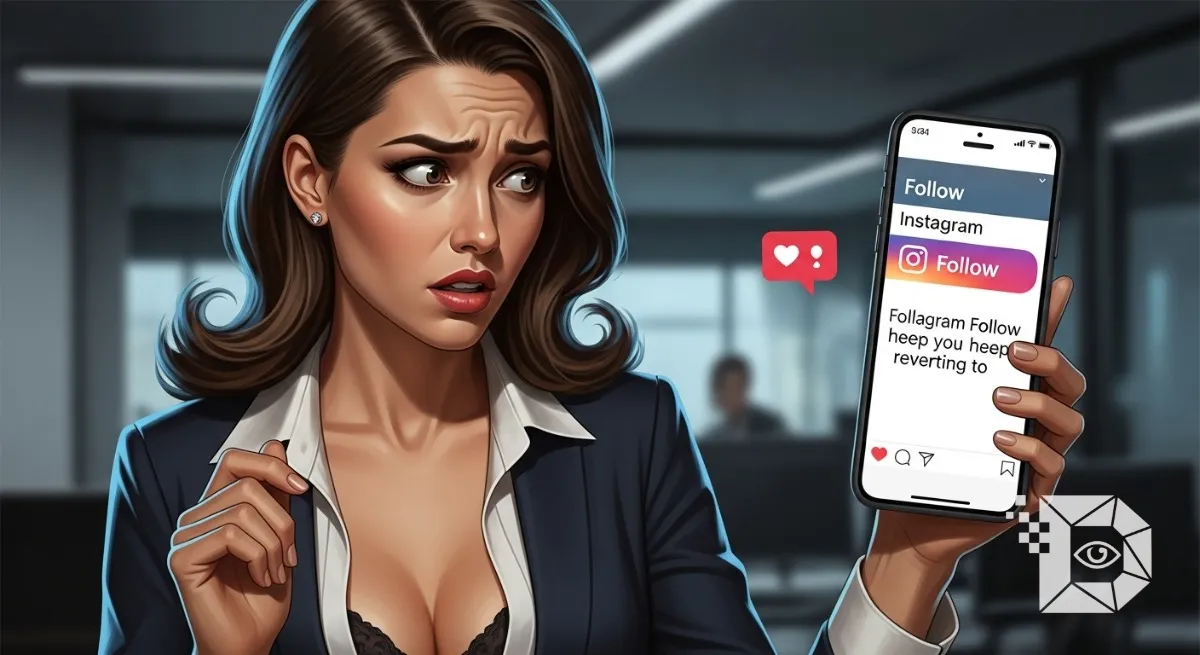
You find a profile. It looks cool. You tap the big blue “Follow” button. It turns white. It says “Following” (or “Requested”). You feel good. Connection made. You refresh the page, or maybe you check back ten minutes later. And there it is again. The blue button. “Follow.” Wait. Didn’t you just press that? You press it again. It turns white. You refresh. It turns blue again.
It is one of the most maddening glitches on the entire app. It feels like gaslighting. Is the app broken? Is your internet bad? Or and this is the thought that creeps in at 3 AM does this person hate you? Did they block you? Are you banned? Before you spiral into a social anxiety hole or throw your phone across the room, let’s break down exactly why this happens. It is usually one of three things: a technical slap on the wrist, a hard limit, or a silent rejection.
1. The “Velocity Limit” (You Are Moving Too Fast)
This is the most common reason, especially if you just went on a following spree. Instagram has invisible speed limits. They don’t tell you what the number is (because if they did, bot farms would program their scripts to stay exactly one number below it), but it exists. If you follow 30, 40, or 50 people in a single hour, Instagram’s algorithm flags you as a “Bot.” Real humans don’t usually follow one person every three seconds. Bots do.
The Result: The “Action Block.” Instagram doesn’t always show you a popup saying “You are blocked from performing this action.” Sometimes, they do a “Soft Block.” They let you press the button. The animation plays. It looks like it worked. But on the server side? The request was denied instantly. When you refresh the page, your phone re syncs with the server, realizes the follow never happened, and resets the button to blue.
The Fix: Stop. Do not touch the Follow button for 24 to 48 hours. If you keep pressing it to “test” if it works, you are just resetting the timer on your punishment. Put the phone down and let the heat on your account cool off.
2. The “Private Account” Rejection
If the account you are trying to follow is Private, the dynamic changes. When you tap Follow, the button changes to “Requested.” If you come back an hour later and it says “Follow” again, the reality is a bit harsher. It wasn’t a glitch. They declined your request.
When a private user gets a follow notification, they have two options: “Confirm” or “Delete.” If they hit “Delete,” Instagram doesn’t send you a notification saying “User X rejected you.” That would be cruel (and cause fights). Instead, they just quietly reset the button state on your end. If you request them again, and it resets again, take the hint. They aren’t missing the notification; they are actively swiping it away. Doing it a third time is just going to get you blocked.
3. The “7,500” Hard Cap
This is a rare one, but it happens to power users. Did you know you can’t follow more than 7,500 people? It is a hard-coded limit in Instagram’s database. It doesn’t matter if you are a celebrity, a brand, or the Pope. You cannot follow 7,501 people. If you are currently following 7,500 users, every time you tap “Follow” on a new person, the button will bounce back immediately. The only way to fix this is to go into your “Following” list and unfollow some old accounts to make room for the new ones.
4. The “Buggy App” Factor
Sometimes, it really isn’t you. It’s the code. If you have bad signal (one bar of 4G or sketchy Wi-Fi), the app might show the “Following” animation locally on your screen, but the signal never actually reached Instagram’s data center in Virginia. When you reload, the app checks the server, sees no record of the follow, and reverts the button.
-
Cache Corruption: Sometimes the app’s temporary data gets corrupted.
-
The Fix: Switch to Wi-Fi (or turn off Wi-Fi and use data). Log out and log back in. This forces the app to re-sync your entire relationship graph.
5. They Blocked You (The Soft Block)
This is the nuclear option. If someone has blocked you, you usually can’t find their profile at all. But there is a weird middle ground where they might have unblocked you recently, or blocked you and then you found them through a direct link. If you try to follow someone who currently has you on their block list (or if there is a lingering database flag from a previous block), the follow will instantly fail. Similarly, if you restricted them or flagged them in the past, the app might prevent the connection until you clear those settings.
The “Boomerang Button” is Instagram’s way of saying “No” without actually saying it.
-
If it happens with everyone you try to follow: You are Action Blocked. Wait 48 hours.
-
If it happens with just one specific private person: They are rejecting you. Stop asking.
-
If it happens with one specific public person: Check your internet, or accept that maybe you hit the 7,500 limit.
Social media is designed to be frictionless, so when friction happens, it feels personal. But usually, it’s just a spam filter doing its job a little too well. Take a break, go outside, and try again on Tuesday. The button will probably work then.